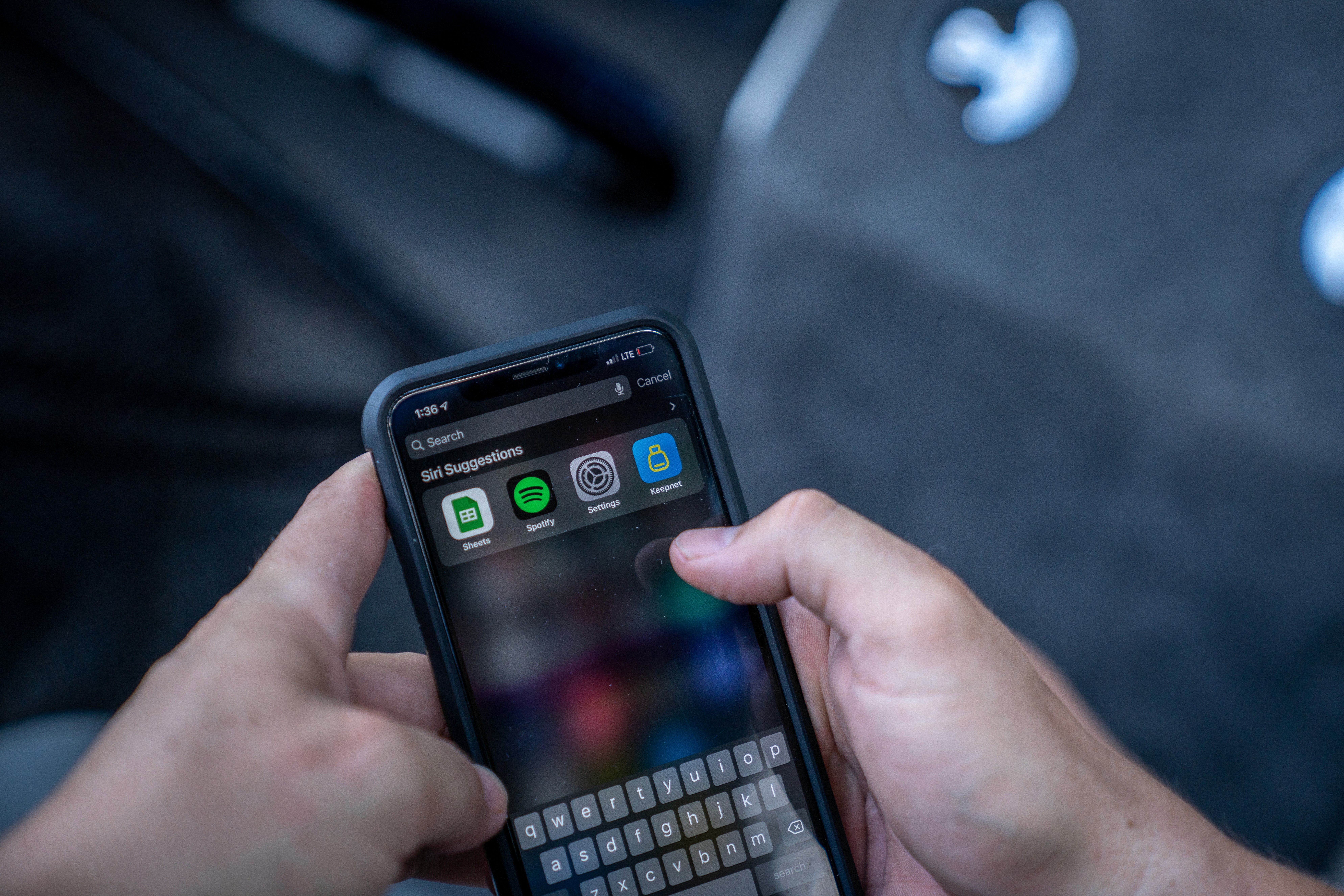
KEEPNET Weighbay
Catch & Release Fishing Tournament Solution
About
HOW IT WORKS
CATCH • RECORD • RELEASE • CONSERVE
The Keepnet app is a tool designed for anglers to keep track of their catches during fishing tournaments. To use the app, you'll need to follow a few simple steps:
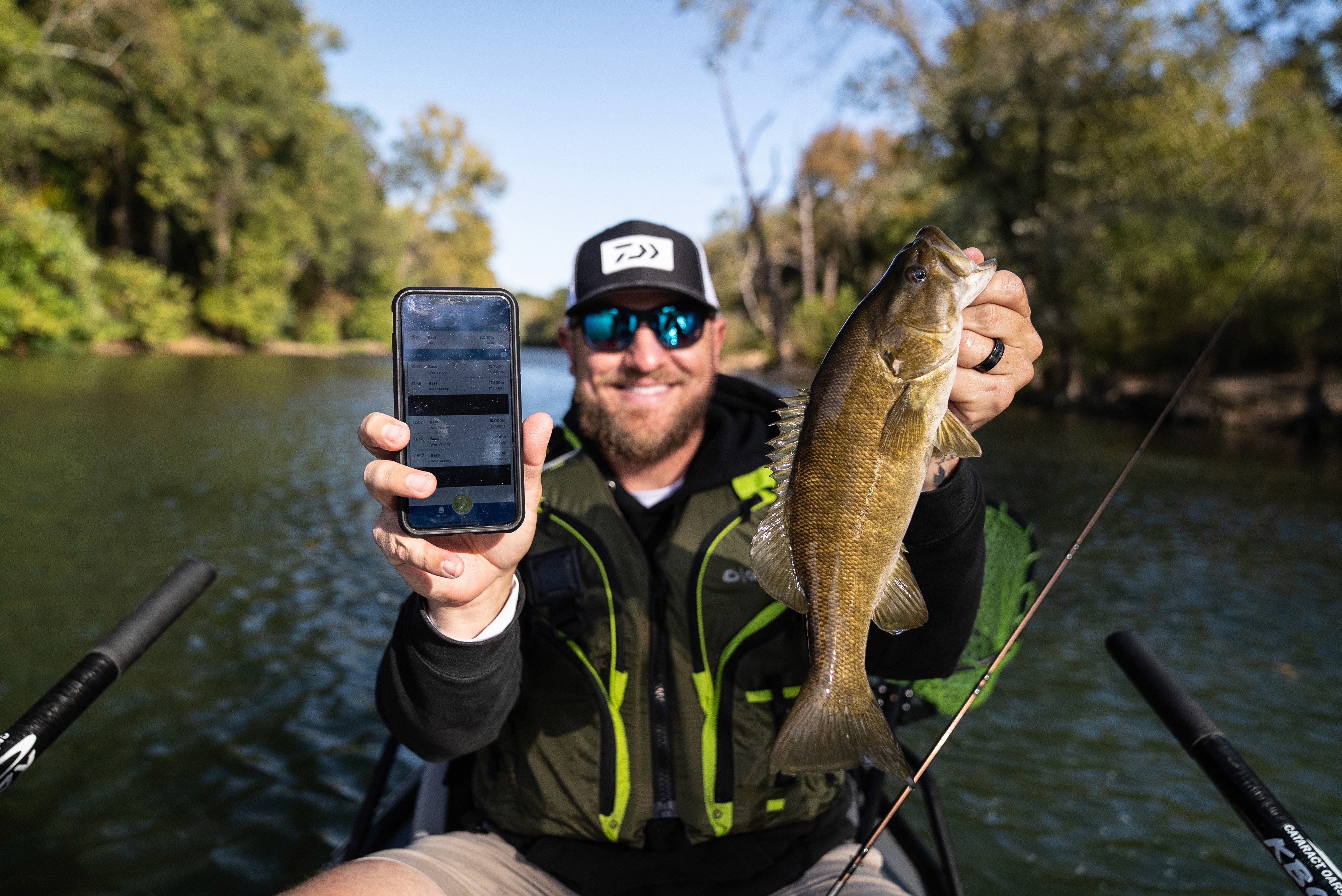
Catch your bass
When you catch a bass, measure it to get an accurate length.
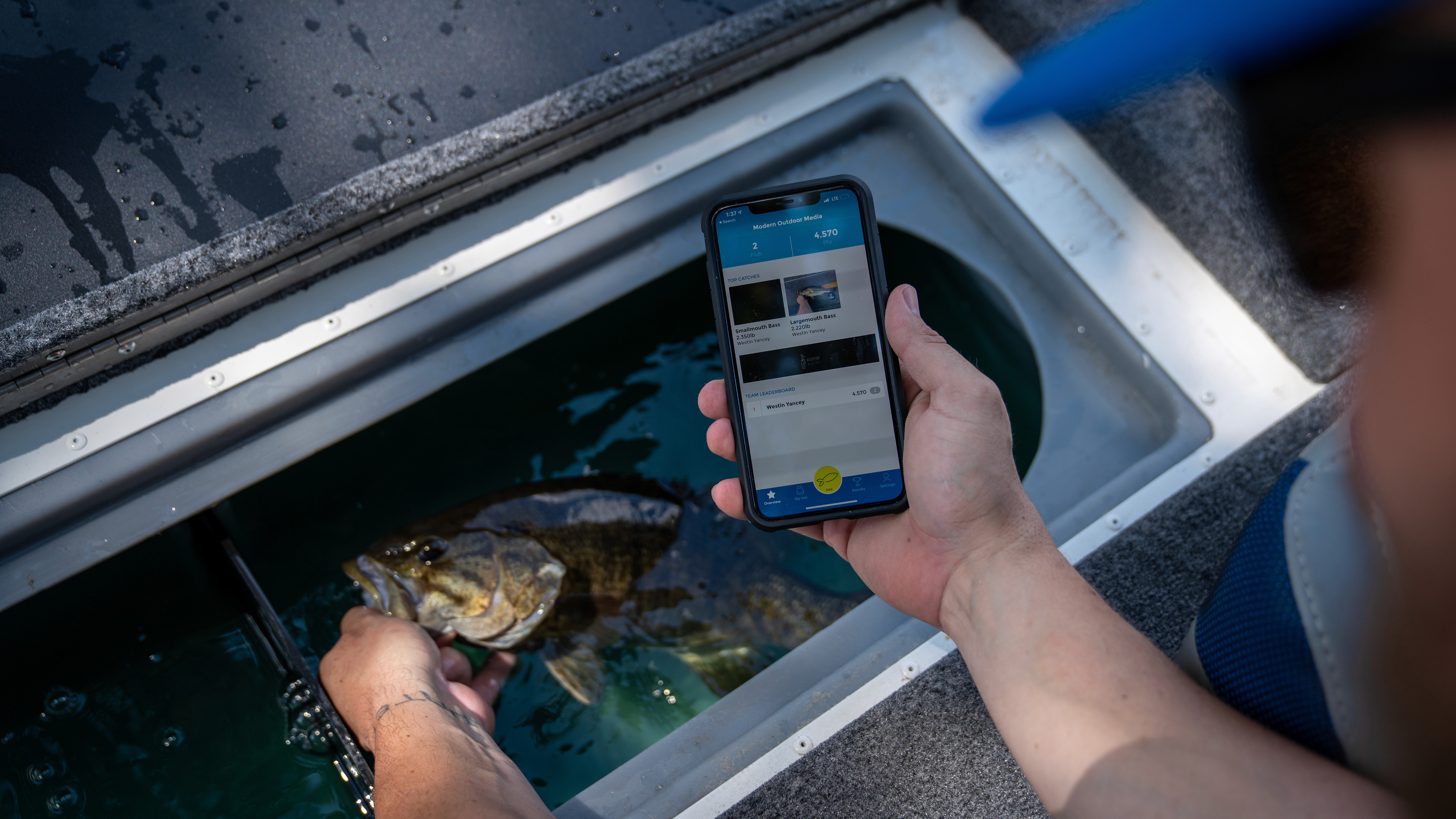
Open the camera
Open the Keepnet app and navigate to the "Record Catch" feature.

Record the catch
Press the record button on your device's camera and state your name, the size of the fish you caught, and the tournament you're competing in. This information will be used to verify your catch.
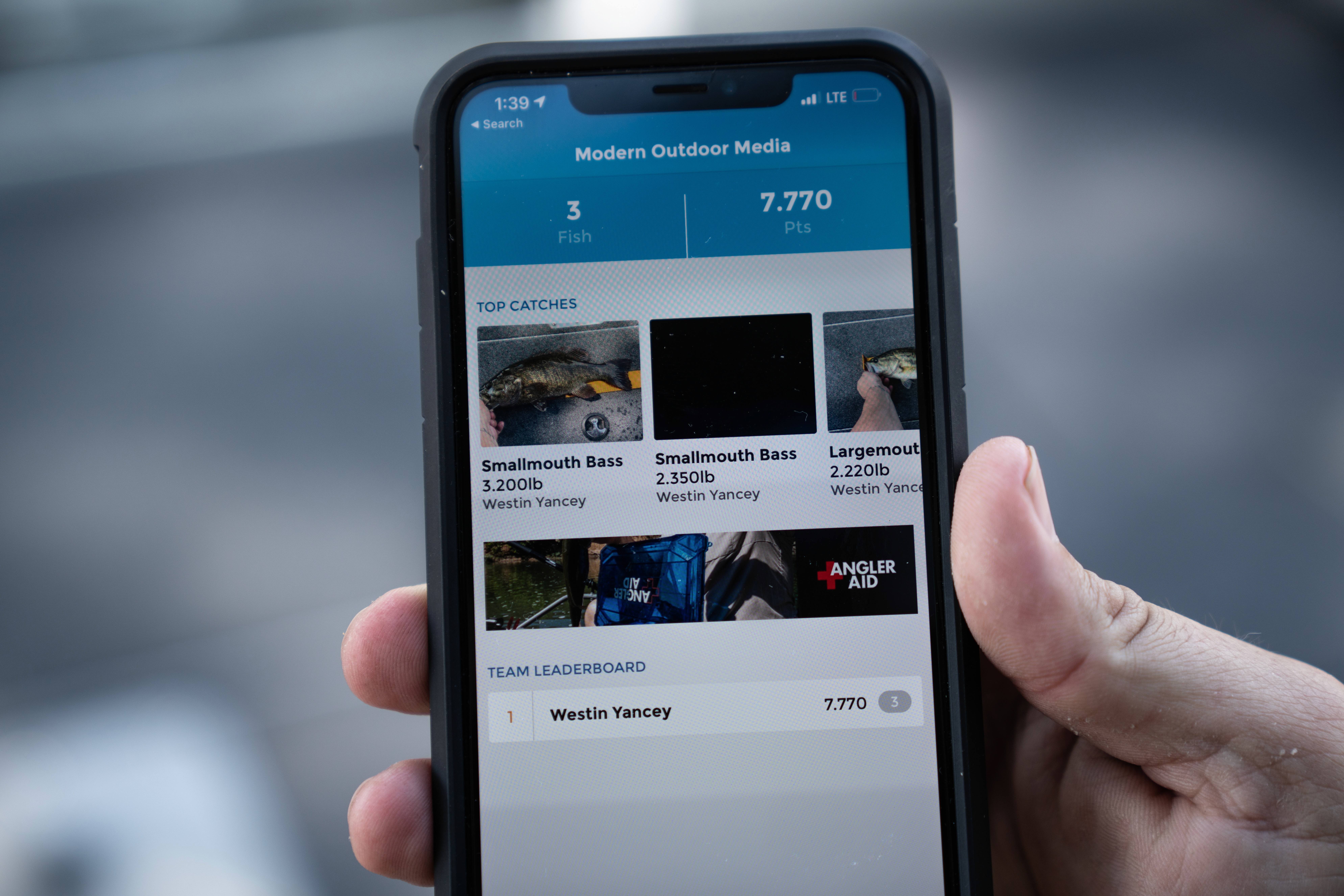
Save and upload
Once you've recorded your catch, be sure to save the video and hit the cloud button to upload it to the app's servers. This will officially enter your catch into the tournament standings.
DOWNLOAD
Keepnet Weighbay
Keepnet's Frequently Asked Questions (FAQs)
How is my location used?
Your location is saved along with your fish. The location is NOT shared with anyone else. You can see where you caught the fish by tapping on the fish from the "My Net" screen.